


How to Play Solitaire on Google: Rules, Modes, and Winning Strategies

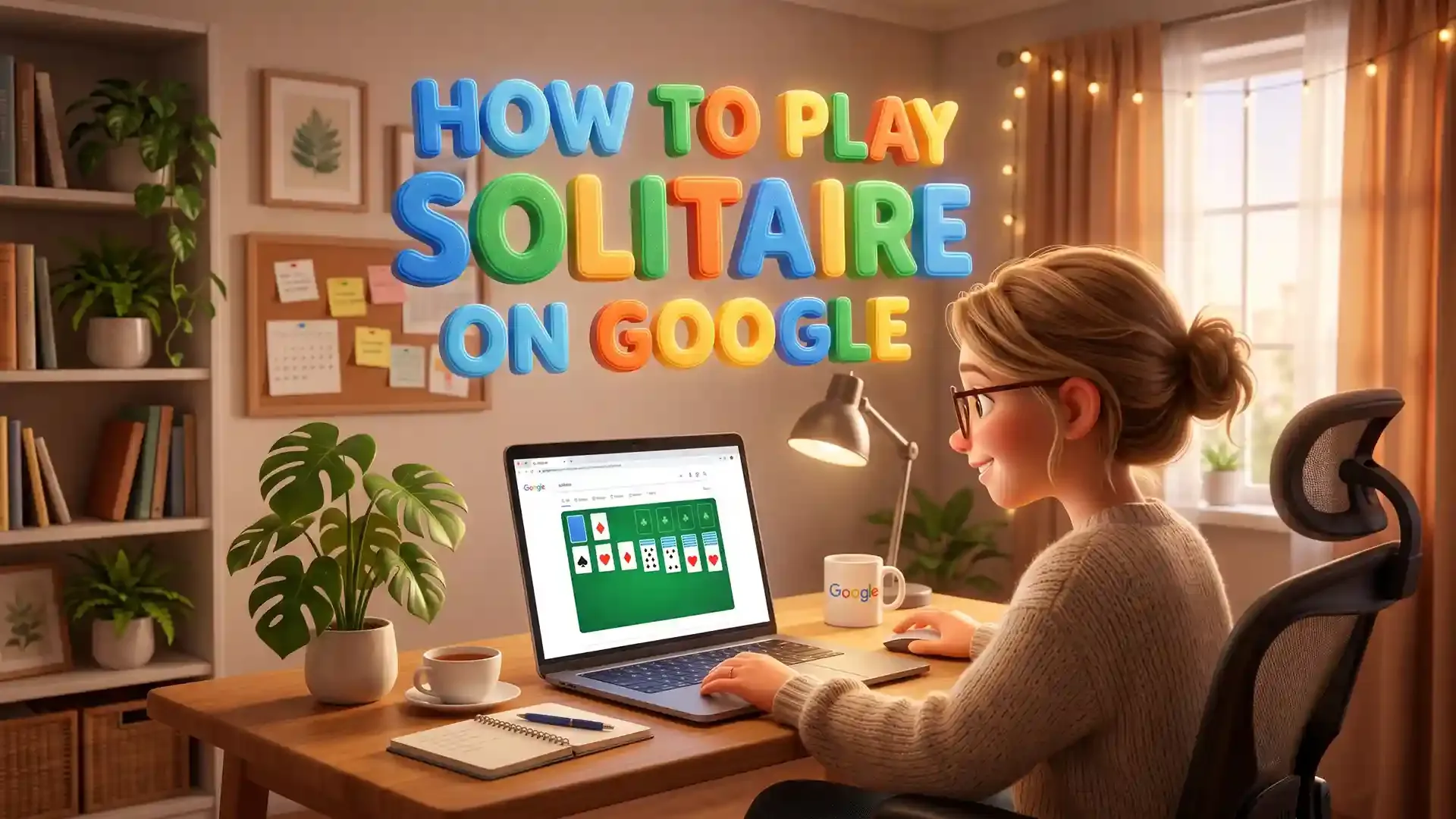
There are many digital games that can distract you from other activities, but none can compete with the sheer simplicity of Klondike Solitaire. The old-fashioned method of playing this fun game needed the availability of actual cards or a tedious process of installing the software, which has now become super easy via just searching online on Google.
Whether you just want to play Solitaire Online for five minutes to relax your mind, or plan to develop complex strategies to win every game, you are sure to learn everything you need through this complete guide.
Table of contents
How to Open Solitaire on Google
It takes just a matter of seconds to launch this pre-installed game. There is no need for installation, downloading, or any registration. The game launches perfectly fine from desktop, laptop, or even mobile devices.
Step-by-Step Launch Guide
- Launch your preferred web browser and go to google.com.
- Type "solitaire" into the main search bar and hit Enter.
- The game will populate instantly at the very top of your search results page. Click or tap the large blue "Play" button to start.
The game loads up right where you are browsing. If you wish to vary your search terms, you could try entering "Google solitaire" or even "play solitaire".
Choosing Your Difficulty: Easy vs. Hard Mode
Prior to playing the virtual cards, you are advised by Google to pick your desired level of difficulty. Your selection will greatly influence how the deck functions and change your overall solitaire win rate.
Easy Mode (Draw 1)
In Easy difficulty, when you press the stockpile, the game reveals one card at once. You will have total freedom as all revealed cards may be playable immediately. It is perfect if you want to play a more laid-back game or if you are still mastering the card game mechanics.
Hard Mode (Draw 3)
In the Hard mode, when you click on the stockpile, you will see all three cards flipped out to the waste pile. But remember, you have the liberty to play only one card out of these three cards – i.e., the topmost card. The two remaining cards will be played only after finding a suitable location for the topmost card.
Google Solitaire Rules: How the Game Works
The browser integrated game follows all traditional Klondike solitaire rules by using a deck of 52 cards. The general theme of the game is pretty simple; it involves arranging a completely shuffled pack of cards in orderly piles.
Understanding the Board Layout
At the beginning of the game, you will see four functional regions:
The Tableau (The Main Board): The main playing space found in the center of your screen; this consists of 7 columns that step up to the right:
- Column 1 has 1 face-up card
- Column 2 has 1 face-down card topped with 1 face-up card
- Column 3 has 2 face-down cards topped with 1 face-up card
- Column 4 has 3 face-down cards topped with 1 face-up card
- Column 5 has 4 face-down cards topped with 1 face-up card
- Column 6 has 5 face-down cards topped with 1 face-up card
- Column 7 has 6 face-down cards topped with 1 face-up card
The Stockpile: The area to the top-left from which the remaining deck not dealt onto the main board sits; when you cannot find a valid move from the board or from the face-up cards from the draw pile, you will begin to draw cards from this area.
The Waste Pile: Located right next to the stockpile; once cards are dealt from the draw pile, they lay here face-up; you will be unable to move any of the cards underneath this top card.
The Four Foundations: The space at the top-right consisting of four empty slots where the Aces can eventually be placed (as well as Spades, Hearts, Diamonds, and Clubs individually) and built up to King.
The Ultimate Objective
For a win to be achieved in this game, all the cards must be moved from the center deck and the waste stack to the foundation spaces. Many players wonder is solitaire always winnable when looking at a tough layout, but the goal remains the same. In each pile, there will be an Ace, then the cards will be built upwards till the Kings appear:
- Ace to Two, Three, Four, Five, Six, Seven, Eight, Nine, Ten, Jack, Queen, and finally King.
When all of the four suit piles have been stacked up until their Kings, the game ends, and the victory sequence starts.
Rules for Valid Card Movements
To ensure the flow of the game and uncover the hidden stacks, you should pay attention to the following rules concerning the stacking:
- Building on the Tableau: Cards must be placed on top in descending order, and use different colors. Therefore, if you place one card on another, the color must change. For example, a black seven can be placed on a red eight and a red queen on a black king.
- Moving Stacks: While playing Solitaire, you are not obliged to move one card by one. It means you can take several face-up cards and put them into another stack, provided it meets the conditions described above. This is one of the foundational solitaire techniques used to quickly rearrange the board.
- Revealing Face-Down Cards: Once you have run out of face-up cards, you are allowed to click on the hidden card to reveal it, and then you can start using it for moves.
- Clearing Columns: After you have completely cleared the cards in a tableau column, an empty space should appear on the board. It is possible to move to this empty space; only a King or an entire construction based on the King is allowed there.
- Using the Stockpile: Whenever you run out of tableau-relevant cards and have no move, it is possible to draw cards from the stockpile. This step can be performed several times throughout the game.
How to Play Solitaire on Google Play Games
If you are using an Android phone and want to access the app version instead of visiting it in a browser, here is how to reach the site.
- Open the Google Play Games app on your Android phone.
- Click on the magnifying glass button to start typing "solitaire".
- The platform will display several popular free options, including the Microsoft Solitaire Collection and Classic Solitaire Klondike.
- Tap install on your preferred version, then launch the app to play.
But in case you do not wish to use any app and you prefer to save space by not downloading anything, you can simply visit Google Chrome on your Android phone and type "solitaire." You will get to play a version that is built for your phone's touchscreen interface.
How to Win Google Solitaire: 7 Proven Strategies
Though luck is an important part of every card game, employing the correct strategy is what sets successful players apart from mediocre ones. Utilizing advanced solitaire tips and tricks will help you look past basic card placement. Apply these seven essential strategies to consistently clear your boards.
1. Move Aces and 2s to Foundations Immediately
Aces and 2s can never help you build longer, flexible sequences on the main board. Because they take up valuable space and block other cards from being flipped, send them up to the foundation slots the exact second they emerge from the deck or columns.
2. Prioritize Uncovering Face-Down Cards First
You should never forget that the most essential thing to do, while constructing the tableau, is to reveal all the hidden cards. If you are ever in a situation where you can both turn over a card from the waste stack, and move cards from one stack to another to reveal a hidden one, you must choose the second option.
3. Do Not Rush to Empty Columns
An empty tableau space is an incredibly powerful asset, but it can quickly become a trap. Avoid clearing out a column just for the sake of empty space unless you already have a King ready to step in. If you empty a column with no King available, you cut your playable columns down from seven to six, restricting your movement options.
4. Build Foundation Piles Evenly
Do not develop one particular suit too high in comparison with the other three. For instance, developing your Hearts up to the Jack while the rest of your other three suits have not gone beyond 2s or 3s is detrimental to your progress in the game. You might accidentally lock away lower-numbered black cards that are desperately needed to cascade and rearrange your central columns. Try to keep all four foundations climbing at a similar pace.
5. Favor Moving Cards from the Deepest Piles
In cases where there are numerous columns that hold the potential to reveal the face-down cards, pay attention to the number of cards in each stack. Choose the stack with the most face-down cards left over. Clearing out these heavy columns early prevents deadlocks during the endgame.
6. Cycle Deliberately on Draw 3 (Hard Mode)
In Hard mode, clicking through the stockpile shifts cards in groups of three, which completely alters the card order on subsequent passes. Navigating this layout effectively serves as a wonderful baseline before you try to advance to more complex variations like spider solitaire online. Sometimes, choosing not to play an available card on one rotation allows the deck to align beautifully on the next cycle, revealing a critical card that was previously buried.
7. Use the Undo Button Strategically
Google's version gives you an unlimited "Undo" button right at the bottom of the screen. Not only should you use this card for correction, but also as a method of exploration. If you ever happen to have a moment where you have a choice between two moves, make a move that allows you to see the secret card, explore what you get from that move by undoing it, and then possibly make another move.
Google Solitaire is an absolute tribute to one of the best games out there. No advertisements or anything else that could distract your attention from the game itself.
FAQs
- Yes, indeed. The solitaire integrated into the search engine Google is absolutely free. There is no need to face any kinds of paywalls, restricted access to certain functions, or sign-in pages.
- Yes, it does. Google Solitaire is based on the classic rules of Klondike Solitaire, which is the most widely played form of the game worldwide.
- The main goal of the game is to remove all cards from the board by forming four stacks of cards sorted from an Ace to a King according to their suit at the upper side of the screen. While creating the main tableau, you should sort the cards from highest to lowest with a red-black sequence.
- Yes, easily. Just open any browser on your phone (like Chrome or Safari), search for "solitaire," and tap play. The game is fully optimized for touchscreens and mobile layouts.
- To be completely honest, you can't, because of how random card shuffles work, some games are just mathematically impossible to solve. However, you can win way more often if you focus on clearing the deepest columns first, keep your top piles even, and use the undo button to test your options.

How to Play Spider Solitaire With 4 Suits (Rules & Strategy)
Master how to win 4-suit Spider Solitaire with expert strategies, step-by-step tips, and proven moves. Beat the hardest version — start winning today!

8 Mahjong Strategies to Win the Game Every Time
Master mahjong strategy with simple, effective techniques to clear tiles faster, improve focus, and win more games—start playing smarter today!

Pyramid Solitaire Card Setup: Step-by-Step Guide for Beginners
At first glance, you may think Pyramid Solitaire is a relaxing pastime game with simple rules – just match cards that total 13 and clear the pyramid. Well, you’re wrong because if you’ve played the game, you know that winning is not just about luck. It’s about thinking ahead to ensure you don’t get stuck. That means effective use of the stockpile and recognizing the most strategic plays. So, if you’re new to pyramid solitaire or simply looking to improve your skills, this guide explains to you how to control the game and avoid running out of moves.
Mahjong Solitaire Explained: From Relaxing Pastime to Brain-Teasing Challenge
Mahjong Solitaire is an excellent solo-player game. It is enjoyable and relaxing, but also mentally challenging. Using Mahjong tiles, players are to remove all tiles by matching identical pairs.

How to Win Solitaire: Smart Tips to Increase Your Success Rate
Solitaire can be deceptively simple and easy to start, yet challenging to master. In fact, even experienced players find winning consistently quite challenging. Why? Because it takes more than just knowing the rules. It’s also about choosing the right moves at the right time, although that can be difficult to wrap your head around if it’s your first play solitaire online. Thankfully, this guide outlines the strategic insights that will help you improve at solitaire by thinking ahead and making every move count. So, stick around and become a master.


